I've chosen my product for this assignment:
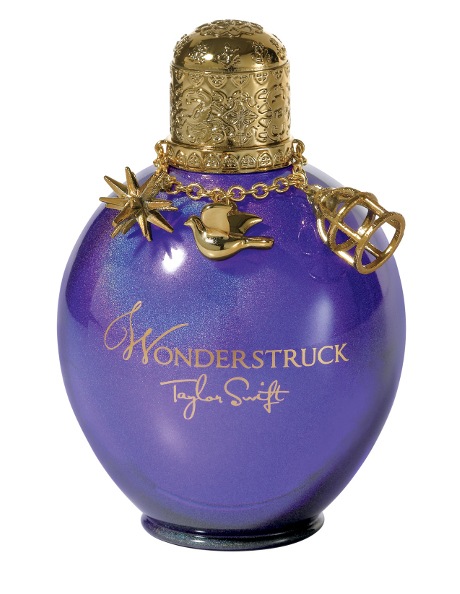 |
| http://www.myer.com.au/shop/mystore/973607510 |
This is an original ad for the perfume:
 |
| http://images.memsaab.com/files/imagecache/node-gallery-display-750/files/2012/98289/taylor-swift-perfume-ad-pic.png |
I want to try and create REAL sparkle, and I want to attempt to do that using...wait for it......glitter!!
 |
| http://lillypillyphotography.files.wordpress.com/2012/02/project51.jpg |
This will no doubt take a lot of trial and error to get right, and will also be quite messy...so I propose putting down fabric over the floor to aid the clean up process.
As for the model...
I have yet to choose and finalise a model, but they do not have to be a Taylor Swift lookalike :P
I would, however, like to achieve the same facial expression as in this shot - another promotional image for Wonderstruck:
 |
| http://www.flare.com/wp-content/uploads/2011/11/d3ab6ffc48dcaebe22016219e8a9.jpg |
Now for lighting!
I quite like the lighting in the first example of a Wonderstruck add. I think rim lighting would be hugely important to getting the effect that I want, and then another light (stripbox) at the front slightly to one side:


No comments:
Post a Comment